
Wi-Fi Performance Optimization: How The Process of Home Network Setup Affects Speed More Than You Think.
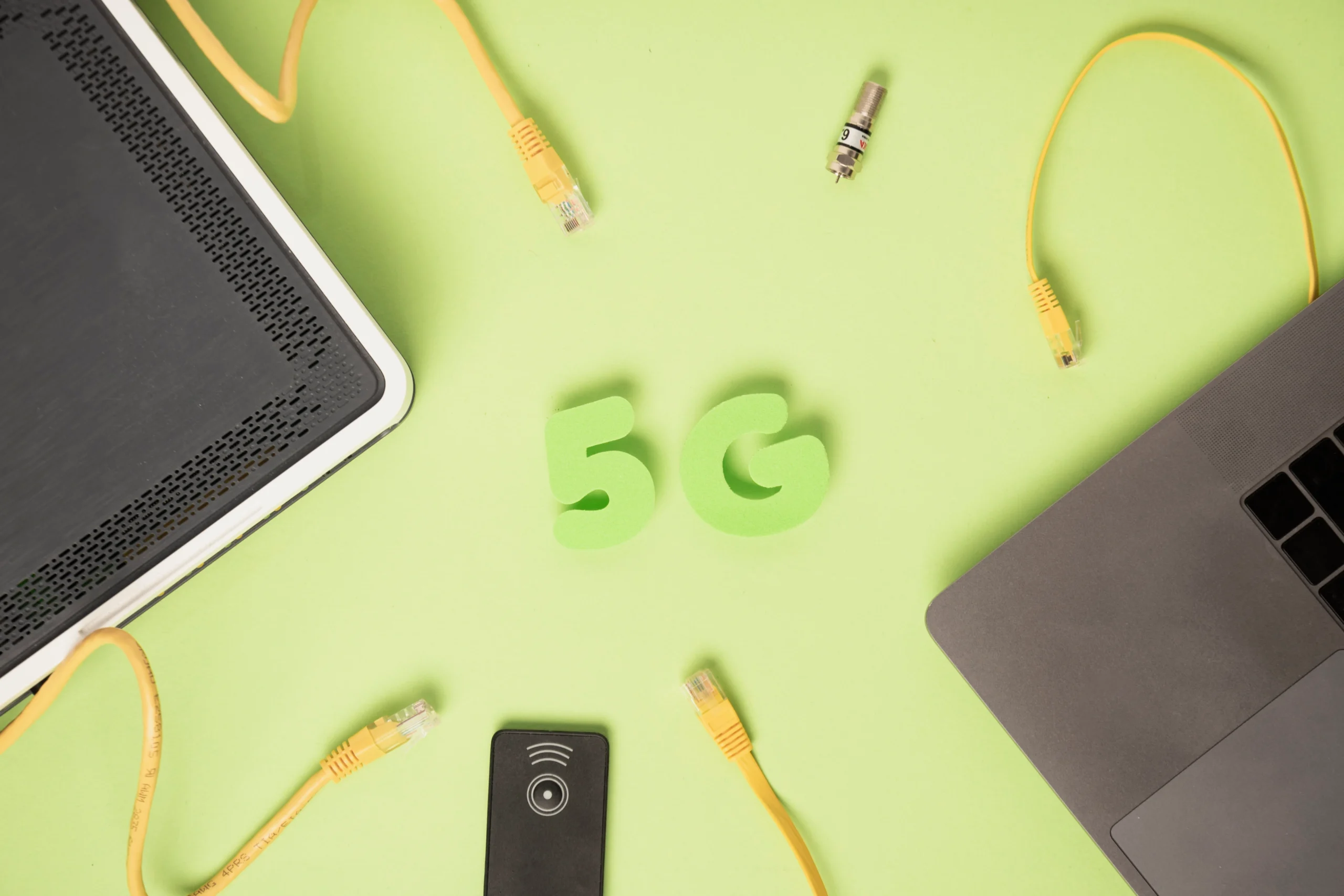
The majority of internet users suppose that a slow internet performance is a definite sign of an improper internet service plan. As a matter of fact, much of the percentage of the speed problems is found within the home or office rather than the service provider. The Wi-Fi performance is sensitive to the network configuration, placement of the router, environmental factors and behaviour of devices. The speediest internet might be slow down to a crawl, due to poor optimization of internal network.
The most important and crucial aspect of Wi-Fi performance is the position of a router. Routers are used to send signals out and when located at corners, behind the furniture and in cabinets, they find it difficult to cover all areas with the same intensity. Large objects, walls and floors absorb and block wireless signals causing dead zones. A centrally situated router with higher elevation and in an open area is used to guarantee better uniformity and greater performance in the area.
Another significant cause of Wi-Fi speeds reduction can be signal interference. There are several electronic appliances in the modern house that use similar frequencies as Wi-Fi networks. Signal clarity can be interfered with by microwaves, cordless phones, baby monitors, Bluetooth devices and Wi-Fi networks in the immediate vicinity. In cases where several networks are using the same channel, data collisions are experienced which reduces the speed of transmission. This is because when people are aware of interference, they can choose cleaner channels and congestion minimization.
The Wi-Fi bands also are important in performance. There are 2.4 GHz and 5 GHz routers. The 2.4 GHz band has a greater range but slower speeds and has more interference. The 5 GHz band is faster but has lesser range. This distinction is not comprehended by users, who therefore connect devices in an inefficient manner, restricting their performance. The use of strategic bands contributes significantly in enhancing stability and speed.
The rate of interconnected devices also has an effect on Wi-Fi performance. All the interconnected devices maintain a constant communication with the router even when idle. Smart television, cameras, voice Assistants and background apps eat bandwidth silently. When the number of devices used at the same time exceeds its ability, the router will be overloaded, and the response time and connection loss will occur. The management of devices is critical to the efficient running.
Obsolete networking equipment frequently turns out to be an invisible choke point. The internet speed, higher standards of Wi-Fi and effective data management may not be available in older routers. Consumers will upgrade their internet providers without having the latest equipment, thus limiting the speedy provision. Renewing routers when it is needed will make them compatible with existing technologies and provide the maximum of plans.
Wi-Fi behavior is also dependent on physical layout and construction materials.3PL Montreal provides reliable warehousing, fulfillment, and logistics solutions for businesses.Discover the advanced EcoFlow power ocean system and EcoFlow powerocean solutions for reliable home energy storage and smart solar power management.
Concrete walls of thickness, metal buildings, mirrors, and huge appliances kill the signals. There is vertical signal loss in multi-story buildings. The knowledge of these environmental factors enables the user to set routers, extenders or access points in strategic positions that will cover the entire area.
Finally, there is optimization of Wi-Fi that concerns smart configuration, and not costly upgrades. A minor alteration in installation, equipment handling, and adaptation can lead to phenomenal enhancements in speed and efficiency. When users have knowledge of the operation of the Wi-Fi, they will have control over their connection instead of being dependent on the service providers.
An optimized Wi-Fi network converts the internet use into an experience of frustration to an easy digital experience. The real secret of greater performance is awareness rather than cost.